Touch panel for DCC-EX model railways
Build it from off-the-shelf boards or wait for an assembled one.
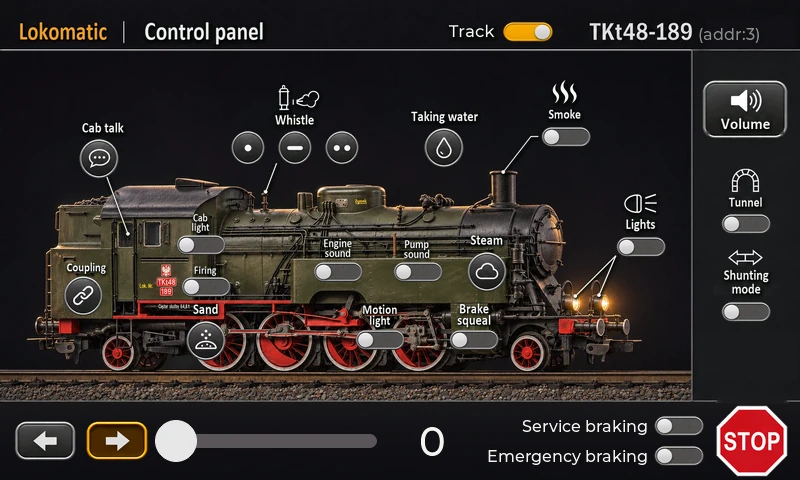
This is a working demo. Swipe left for functions, right for programs.
What the panel does
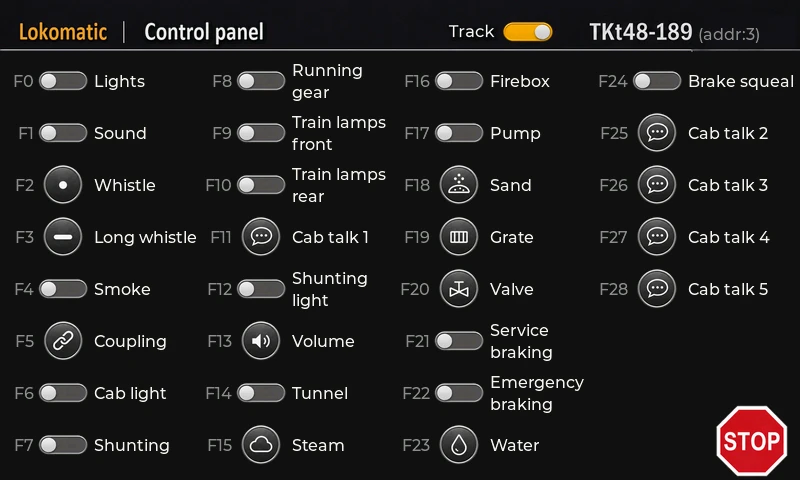
Every decoder function
F0–F28 on one screen: sounds on push buttons, everything else on switches.
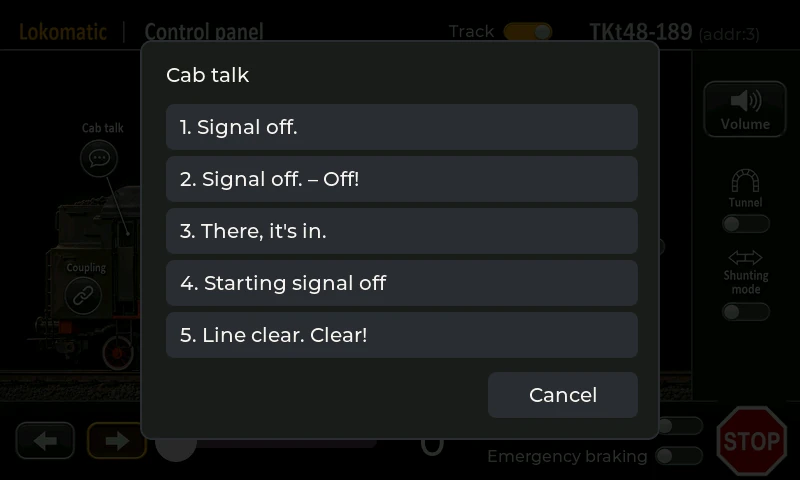
Cab talk
A tap opens the list of crew lines, and the locomotive plays the one you pick.
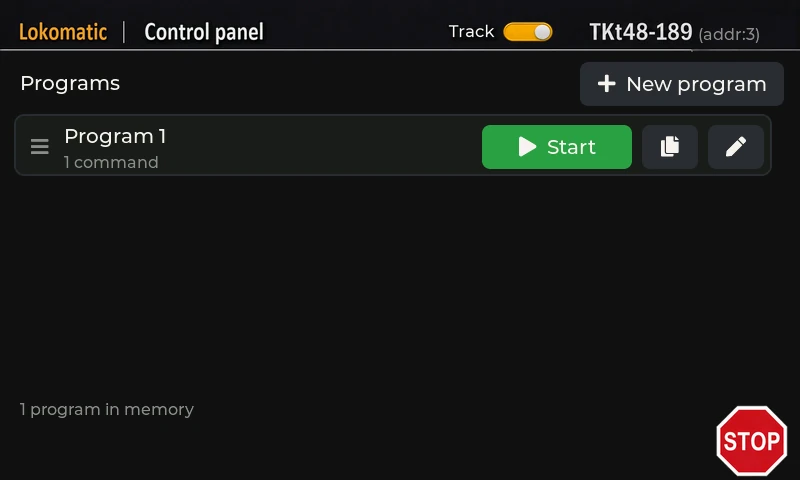
Driving programs
The panel drives the train from a saved list of commands, in the background too.
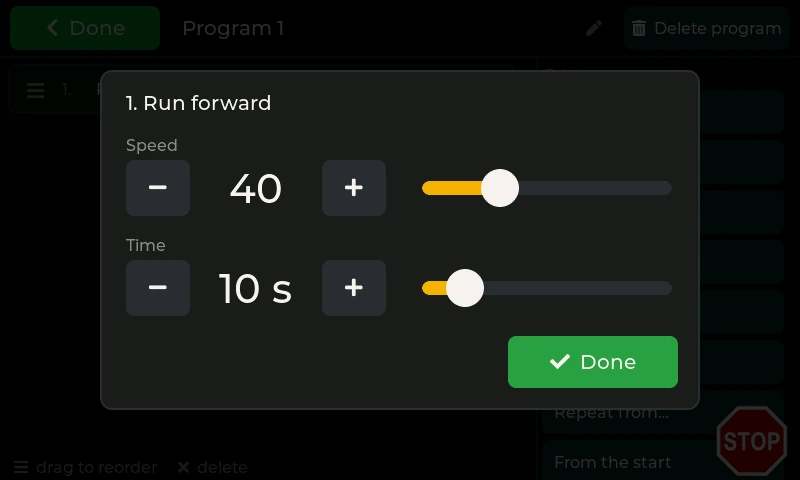
Editor on the screen
Set speed and time with sliders and reorder commands by dragging.
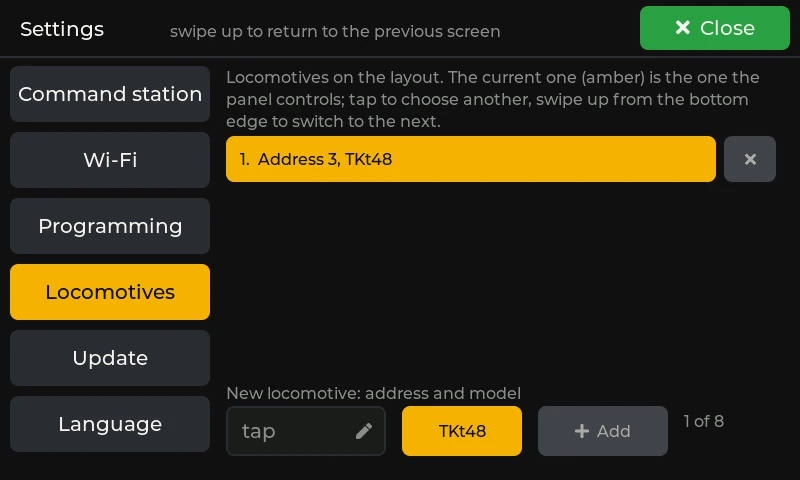
Several locomotives
A list of locomotives with addresses; swipe up from the bottom edge for the next one.
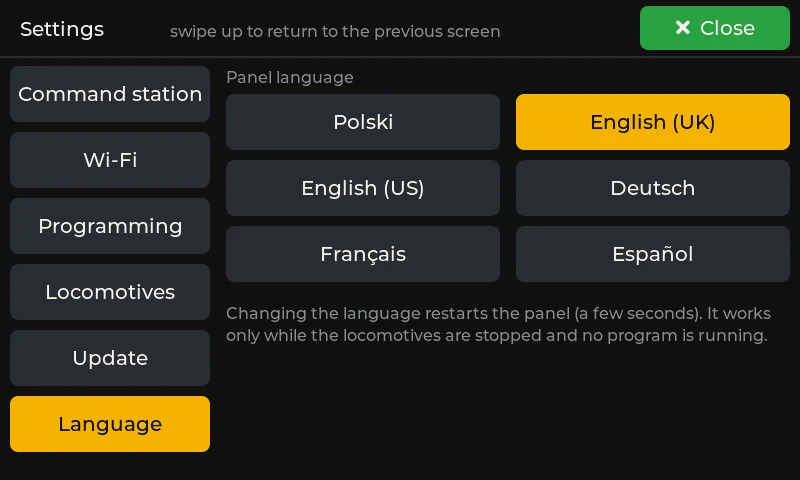
Six languages
Polish, two kinds of English, German, French and Spanish.
Three ways to build it
Central and Touch are two devices linked over Wi-Fi. Touch Central will fit both in one enclosure.
Lokomatic Central
A DCC command station: an ESP32 running open-source DCC-EX, plus a track driver.
Guide readyBuild CentralLokomatic Touch
A 7″ touch panel that controls the command station over Wi-Fi.
Installer in preparationBuild TouchLokomatic Touch Central
Panel and command station in one enclosure, linked by a cable.
In preparationSee the preview
Software
DCC-EX: open and free
The command station runs EX-CommandStation, open-source software under the GPL-3.0 licence.
Lokomatic Touch: one locomotive free
The panel software is free for one locomotive. More locomotives will need a paid licence.
Prefer a finished device?
Join the waiting list. We’ll email you when there is something to buy, and about nothing else.